.png)

While I don’t consider myself as a designer. But after eight years in marketing, I've learned something critical: design isn't optional anymore. You can write the best copy in the world, but if your visuals look like they were made in Paint, nobody clicks.
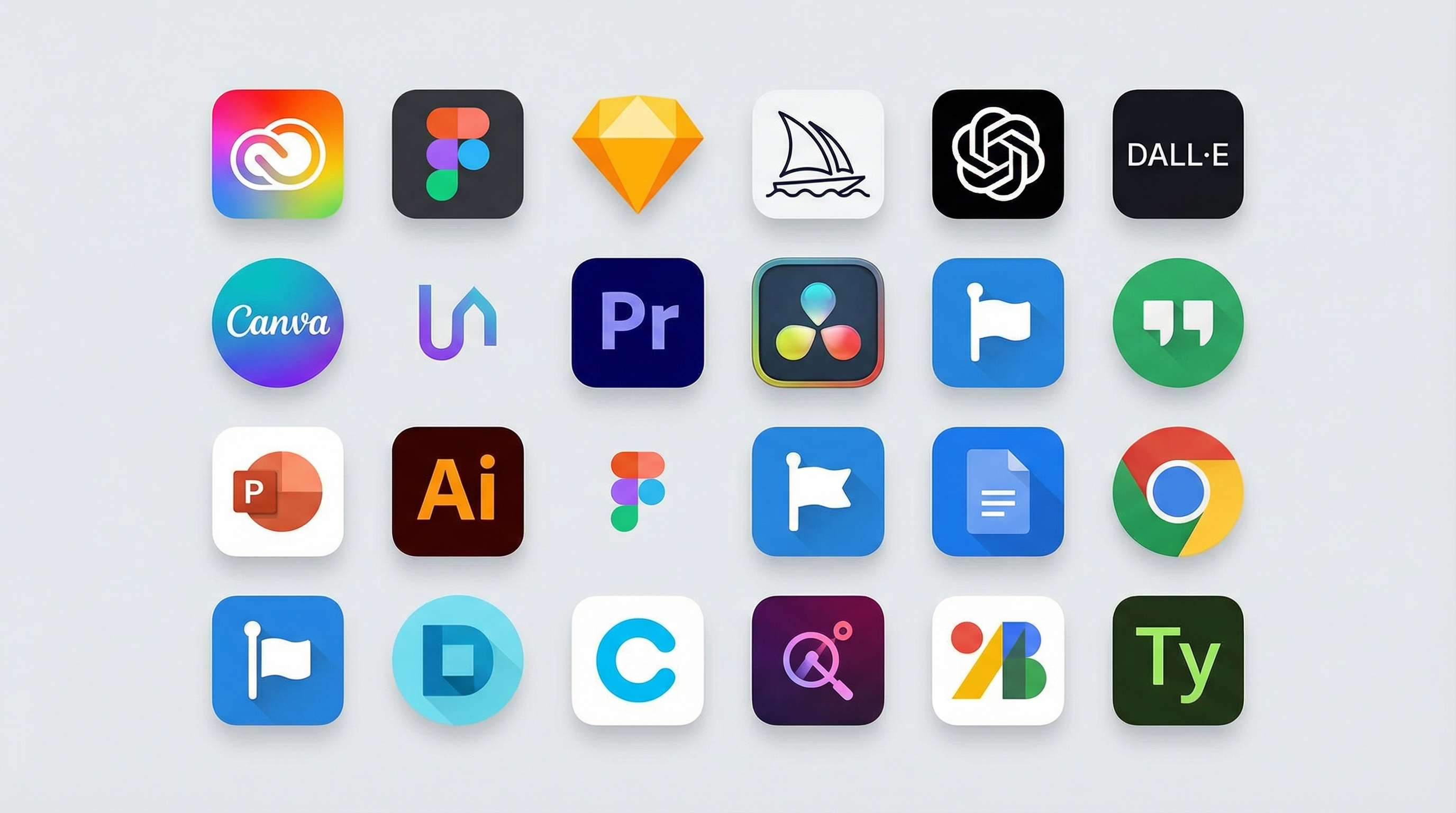
Here's what changed everything: AI. With the advent of AI, design has become easier now. Tools that used to require years of training or expensive freelancers can produce professional results in minutes. I'm talking about generating hero images from text prompts, creating scroll-stopping videos without touching a camera, and designing social graphics faster than you can brew coffee. I tested 47 different design tools for marketers over the past six months. Most were garbage. But 15 stood out because they had three things in common: they're completely free to start, they use AI to do the heavy lifting, and they produce results that don't look AI-generated. This guide covers the marketing design tools I actually use when campaigns launch tomorrow and my designer is unavailable. No sponsored recommendations, no affiliate links—just the tools that work.
🚀 Why AI Changed Everything for Marketing Design
Three years ago, creating campaign visuals meant one of two options: spend hours learning Photoshop or pay someone $500 per project.
AI demolished those barriers.
Modern AI design generators understand context, follow complex instructions, and produce multiple variations in seconds. You describe what you need, and the AI builds it. The technology reached a tipping point in 2025 where AI-generated visuals became indistinguishable from professional work.
Speed multiplied by 10. What took me four hours in 2022 now takes 20 minutes. I generate 30 variations of a social post in the time it used to take to create one rough draft.
Quality improved dramatically. Early AI tools produced obvious AI artifacts. Current models like Veo 3 and Grok generate photorealistic images and videos that pass as professionally shot content.
Complexity disappeared. You don't need to understand layers, masks, or color theory anymore. You write what you want, adjust a few settings, and export. The barrier to entry dropped from months of training to minutes of experimentation.
The shift happened fast. Companies that spent $10,000 monthly on design work now handle 80% internally using free AI tools. Solo marketers produce visual campaigns that rival agency output.
✨ What Makes a Great Free Design Tool for Marketers
Free tools aren't automatically worse than paid options. Many free AI design tools now match or exceed paid alternatives because AI levels the playing field.
True free access matters. Some tools claim "free" but limit you to two exports or watermarked outputs. The tools in this guide offer genuine free tiers that produce usable marketing assets.
AI should do real work. Background removal, image generation, video creation—these need AI that actually works. Half-baked AI features waste more time than they save.
Speed beats perfection. Marketing moves fast. Tools that take 30 seconds to generate results beat tools that take 5 minutes, even if the 5-minute version looks marginally better.
Multiple formats save hours. When you need assets for Instagram, Facebook, LinkedIn, and email, tools that resize automatically become essential.
No learning curve required. If I need to watch tutorials before creating my first asset, the tool failed. The best free design resources work immediately.
🖼️ Free AI Image Generators That Actually Work
These tools generate images from text prompts or modify existing images using AI. I use them for hero images, social graphics, and concept visualization.
1. ImageGen AI
ImageGen AI operates as a free online photo editor with AI-powered tools for editing and enhancing images.
I discovered ImageGen when I needed product photos but had no budget. The background remover works instantly, and the AI enhancement tools sharpen images without making them look overprocessed.
What makes it valuable:
- Background removal in one click without manual selection
- AI enhancement improves image quality automatically
- Image upscaling increases resolution without blur
- Completely free with no watermarks on downloads
Real-world use: I had 50 product photos with messy backgrounds. Uploaded them to ImageGen, removed all backgrounds in 15 minutes, and had clean product shots ready for ads. Manual editing would have taken days.
Best for: Product photos, removing backgrounds, quick image fixes.
2. Grok (xAI)
Grok serves as xAI's AI assistant with Aurora image generation capabilities built in, offering high-quality image creation with fewer content restrictions.
When Midjourney became too expensive and DALL-E had too many content filters, I switched to Grok. The Aurora engine produces photorealistic images that work for commercial use.
Why marketers choose Grok:
- Generates images of public figures and branded content with permissive policies
- Creates photorealistic portraits and detailed logos
- Produces images suitable for commercial applications
- Available free through X platform with basic access
Real-world example: I needed images of our product in various lifestyle settings. Described each scene to Grok, generated 40 different options in 30 minutes, and picked the best five for our landing page. Stock photos would have cost $200+ and looked generic.
Limitation: Requires X account that's phone-verified and at least 7 days old for access.
3. Midjourney
Midjourney represents a generative AI tool capable of creating realistic and high-quality images from natural language descriptions.
I keep a Midjourney subscription specifically for hero images and concept art. The image quality exceeds most alternatives, and the community provides endless prompt inspiration.
Best use cases:
- Hero images for blog posts and landing pages
- Conceptual illustrations for complex ideas
- Background images for presentations
- Creative exploration when brainstorming campaigns
Pricing note: While Midjourney requires a paid subscription starting at $10/month, the quality often justifies the cost for professional marketing work. I include it because many marketers find the Basic plan worth the investment.
Pro tip: Join the Midjourney Discord to see what prompts other users run. Steal prompt structures that produce results you like.
4. Freepik AI Image Generator
Freepik provides free graphics and illustrations alongside an AI image generator powered by multiple models including Flux and Mystic.
The template library makes Freepik valuable even without the AI generator. Add AI image generation on top, and you can customize templates with unique generated assets.
Key features:
- Multiple AI models including Flux and Ideogram
- Integration with massive stock asset library
- Free tier allows testing different generation styles
- Combines AI generation with traditional design resources
Real-world use: Creating email headers that match our brand while looking fresh. I generate backgrounds in Freepik, combine them with template layouts, and export finished headers in 10 minutes.
🎬 Free AI Video Generators
Video dominates social media, but video production used to require expensive equipment and editing skills. These AI tools changed that completely.
5. FlexClip
FlexClip operates as a free online video editor with AI-powered tools including text-to-video generation and automatic subtitle creation.
I use FlexClip for quick social videos when I don't have footage. The AI text-to-video feature generates clips from descriptions, and the template library provides starting points for almost any video type.
What it does well:
- AI video generator creates clips from text prompts
- Over 4,000 templates for different platforms and purposes
- Automatic subtitle generation saves manual transcription time
- Stock library includes 4 million+ royalty-free assets
- Drag-and-drop editor requires zero video editing experience
Free plan includes: 720p exports, 1 stock video per project, 1 stock audio per project, watermark-free downloads (major advantage over competitors).
Real-world use: I needed five explainer videos for a product launch. Used FlexClip's templates, swapped in our product shots, added AI-generated voiceover, and exported all five videos in under two hours. Professional video production would have taken weeks and cost thousands.
Best for: Social media videos, explainer content, quick promotional clips.
6. Veo 3 (Google)
Veo 3 serves as Google's advanced AI video generation model that creates high-quality videos with synchronized audio from text or image prompts.
When I need cinematic-quality video from just a description, Veo 3 delivers results that look professionally shot. The native audio generation eliminates the need to find separate music and sound effects.
Standout features:
- Generates 8-second videos with synchronized dialogue, sound effects, and music
- Simulates real-world physics for natural-looking motion
- Extends videos by linking clips smoothly
- Maintains character consistency across scenes
- Camera controls allow specific movements
Access: Available through Google AI Studio, requires Google AI Pro plan but offers free trial. Some third-party platforms like Pollo AI and TryVeo3.ai offer free access to try Veo 3.
Real-world application: Creating product demo videos without filming anything. I describe how the product works, Veo 3 generates the video demonstration, and I have a shareable demo ready in minutes. This approach works for concept testing before investing in professional production.
7. Grok Imagine (Video)
Grok Imagine transforms text descriptions into dynamic videos with sound, leveraging xAI's Aurora technology.
The video generation capability in Grok Imagine produces 3-5 second clips perfect for social media. I use it when I need quick motion graphics or animated elements.
Key capabilities:
- Generates short video clips from text prompts
- Creates videos with integrated sound effects and audio
- Produces multiple style variations quickly
- Works well for social media content creation
Best applications: Social media posts, animated logos, short promotional clips, Instagram stories.
Limitation: Video lengths are currently limited to 3-5 seconds, so this works best for quick social content rather than longer explanatory videos.
8. Higgsfield AI
Higgsfield AI specializes in creating cinematic videos with professional camera movements and visual effects.
I turn to Higgsfield when I need videos that look like they came from a production studio. The preset camera movements—crash zooms, drone shots, crane movements—add production value instantly.
What makes it special:
- Over 50 professional camera movement presets
- Transforms static images into dynamic videos
- Advanced VFX library with transition effects
- Character animation with realistic expressions
- Preset iconic scenes from movies and TV
Free tier includes: 2 video generations to test the platform, access to camera movement presets, and surprisingly no watermark on exports despite documentation claiming otherwise.
Real-world use: I had a series of product photos that needed to become a video ad. Uploaded the photos to Higgsfield, applied cinematic camera movements, added transition effects, and exported a 15-second ad that looked professionally produced. Total time: 20 minutes.
Best for: Product videos, social ads, content that needs cinematic polish.
🛠️ Design Utilities and Quick-Fix Tools
These tools solve specific problems fast. I use them multiple times per week for tasks that used to require Photoshop.
9. Remove.bg
Remove.bg excels at removing backgrounds from images instantly.
Every product photo, headshot, and promotional image eventually needs a background removed. Remove.bg does this in three seconds without manual selection work.
Why it saves time: Upload an image, download the background-removed version immediately. No clicking around edges, no refining selections, no cleanup work.
Free tier allows: 50 image removals per month at standard resolution, preview before downloading.
Pro tip: For best results, use images with clear subject separation. Complex backgrounds or overlapping subjects sometimes need manual touch-up.
10. unDraw
unDraw offers an open-source collection of colorful illustrations that you can customize instantly.
Stock photos feel stale. unDraw's illustrations add personality to designs without looking cheap or overused.
Customization feature: Change the primary color to match your brand with one click. Every illustration updates to your color scheme automatically.
Best applications: Blog post headers, landing page sections, presentation slides, email illustrations, explainer graphics.
Why I use it: The illustrations work across different industries and use cases. I can find relevant visuals for tech products, healthcare services, or e-commerce without searching multiple sites.
🎯 Visual Assets: Icons and Illustrations
These resources provide design elements you'll use in almost every marketing project.
11. Flaticon
Flaticon provides over 10 million icons in multiple formats.
Icons make designs clearer and more professional. I visit Flaticon constantly for social media graphics, email templates, and landing pages.
Library advantages:
- Over 10 million icons covering every category
- Download as PNG, SVG, EPS, or PSD
- Vector formats (SVG) scale to any size without quality loss
- Search by keyword or browse collections
Real-world use: Every email template includes icons for contact information, social media links, and calls-to-action. Flaticon provides them all, usually in brand colors without needing separate editing.
Free access: Allows up to 10 downloads per day with attribution, or upgrade to Premium for unlimited downloads.
12. Icons8
Icons8 stores over 60,000 icons and offers custom icon creation if you can't find what you need.
It serves as my backup when Flaticon doesn't have the exact icon needed. The custom creation service solved problems twice where I needed very specific icons.
Unique feature: Request custom icons for free. Icons8 will create them within 48 hours. I've used this twice, both times receiving custom icons that matched my exact specifications.
🎨 Color and Design Utilities
13. Coolors
Coolors generates harmonious color schemes instantly.
Color decisions paralyze non-designers. Coolors removes this friction by generating professional color palettes with one spacebar press.
How it works: Press spacebar to generate a five-color palette. Like one color? Lock it and generate variations around it. Export as CSS, SCSS, SVG, or image.
Real-world application: When launching campaigns with fresh color schemes, I generate 20-30 palettes in Coolors, screenshot favorites, and present them to stakeholders. This takes 10 minutes instead of hours of manual color selection.
Additional features: Palette from image, gradient generator, contrast checker for accessibility.
14. Google Fonts
Google Fonts offers thousands of free custom fonts that load quickly and work everywhere.
Typography makes or breaks design, but custom fonts used to require technical knowledge. Google Fonts eliminated this barrier completely.
Why it matters: Add any custom font to your designs with a few clicks. Professional typography without licensing fees or technical complications.
Pairing tool: Google Fonts suggests fonts that work well together, preventing the amateur mistake of combining conflicting typefaces.
Real-world use: I use Montserrat for headlines and Open Sans for body text in almost every project. Both come from Google Fonts, both are free, both look professional.
📁 Source File Resources
15. Graphicburger
Graphicburger offers free source files including PSD files, vector graphics, fonts, and website templates.
When you need a head start on design projects, source files provide professional foundations you can customize.
What you'll find: Mockups for showcasing designs, UI kits for website layouts, icon sets, texture packs, ready-to-use templates.
Time savings: Starting with quality source files cuts project time by 40-60%. You customize rather than create from scratch.
License: Everything is free to use without copyright restrictions, making it safe for commercial projects.
🖼️ Creating and Editing Marketing collaterals and Images (Non-AI)
When it comes to creating Images with scratch, I recommend you to play around with Figma and Canva. While Figma isn't free except for the trial version, Canva still is a great tool for designing images for your blogs and websites.
I also use Gravit Designer, which is still a great alternative to tools like Adobe Illustrator and Sketch. Unlike Sketch, which doesn't let you convert a JPG or PNG image to vector format, Gravit Designer is an excellent tool for creating prototypes and logos. You can download Gravit designer for your desktop or you can use it online.
🎁 Bonus Design Tools I Recommend to Support Your Creative Goals
Below is a curated list of practical design tools I regularly suggest to marketers who want speed, clarity, and dependable output.
Pablo by Buffer
I suggest Pablo when you need fast social visuals for platforms like Instagram or Pinterest. It keeps the process simple and helps you publish clean images without overthinking layouts.
Duotone
Duotone works well when you want bold, eye catching backgrounds. You upload an image, apply effects, and get a distinctive look in minutes.
Icons and Illustrations
Illustration and icon design require a different skill set. Since I do not draw icons or illustrations from scratch, I rely on high quality libraries that speed up my work.
Emojicopy
I use Emojicopy when I need emojis for blog content. It makes copying and pasting easy and avoids formatting issues.
IconsDB
IconsDB offers clean, easy to use icon sets. I use it often because icons are free, scalable, and customizable by color, which many libraries lack.
unDraw
unDraw provides open source illustrations with a modern style. These visuals work well for blogs, landing pages, and product pages.
Humaaans
Humaaans allows you to mix and match characters and scenes. It fits ebooks, infographics, and social media graphics when you need a human touch.
Freepik
Freepik is widely known and offers a large selection of graphics and illustrations that marketers use across campaigns.
Creazilla
Creazilla stands out for its free illustrations, silhouettes, and clip art. I often prefer it due to the variety and licensing clarity.
💭 Final Thoughts
I do not claim deep expertise in design, but I enjoy creating clean, colorful visuals that support marketing goals. If you are starting out, I suggest studying practical UX guidance from Steve Schoger, which helps you build intuitive and visually balanced designs.
Learning design fundamentals takes time. The tools and resources listed above help marketers produce strong graphics and design assets quickly. Designers, on the other hand, benefit from learning how to sketch and build visuals from scratch. Design extends beyond reusing existing assets.
I hope these resources support your workflow and make your design process more efficient.